Missing a C-Wire? How to Properly Wire a Smart Thermostat for Winter Reliability
Updated: Aug 14, 2026
Is your smart thermostat constantly rebooting or losing Wi-Fi? You likely have a missing C-wire. This guide explains what a C-wire is, how to safely check your home’s wiring, and why calling Loch Monster Electric is the best way to ensure your heating system stays reliable all winter.
Missing a C-Wire? How to Properly Wire a Smart Thermostat for Winter Reliability
When the wind starts howling across the Mississippi River and the temperature starts dipping into negative double digits, the last thing you want to see is a “Battery Low” notification on your brand-new smart thermostat.
Many homeowners run into problems because their older wiring setups just aren't prepared for the power demands of modern technology. The main culprit is usually a missing Common Wire or C-wire.
Let's look at what a C-wire is, why you need it, how to check if your home is missing one, and quick safety steps you can take until Loch Monster Electric gets there. We’ll also cover what our licensed electricians do to ensure your smart thermostat stays powered, connected, and reliable when the temperature drops during our harsh Minnesota winters.
If you need wiring for smart thermostats, call us at 763-292-1191 or fill our contact form, and we’ll get in touch with you.
What is a C-Wire?
The C-wire (or Common wire) acts like a dedicated power cord for your smart thermostat, giving it the steady 24-volt electricity it needs to power its Wi-Fi, touchscreen, and sensors.
Without this wire, your thermostat has to steal tiny amounts of power from your furnace's relay wires when the system is supposed to be off. This trick works okay until your furnace needs more power or your Wi-Fi signal gets busy. When that happens, the thermostat doesn't get enough energy, and it may reboot or shut down right when you need it most.
How Old-school Thermostats Worked
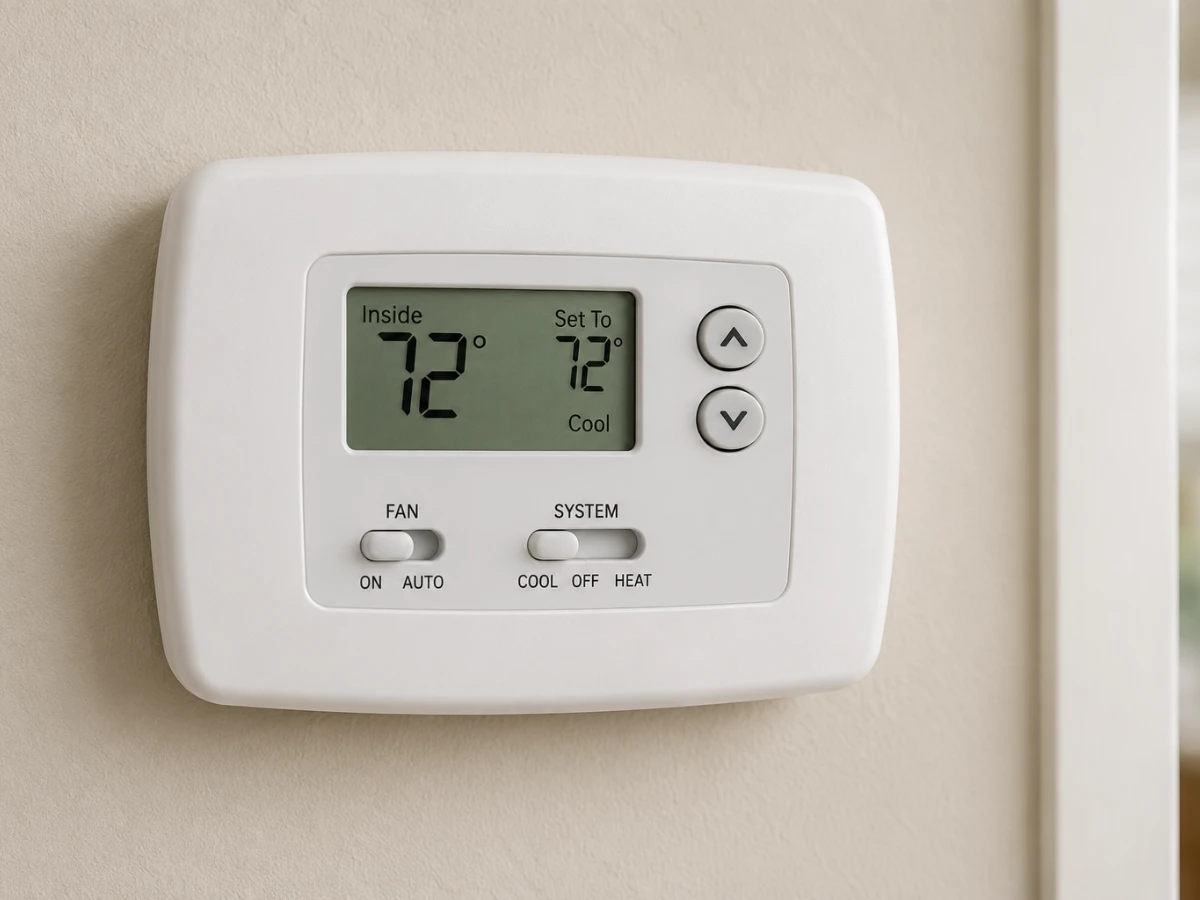
Traditional thermostats were simple mechanical switches. They didn’t need much power to operate since they often ran on internal batteries or drew a very low-voltage stolen current from the furnace control board. This was fine for decades, but the digital age has changed the game entirely.
Why Does the Smart Thermostat Need a C-Wire?
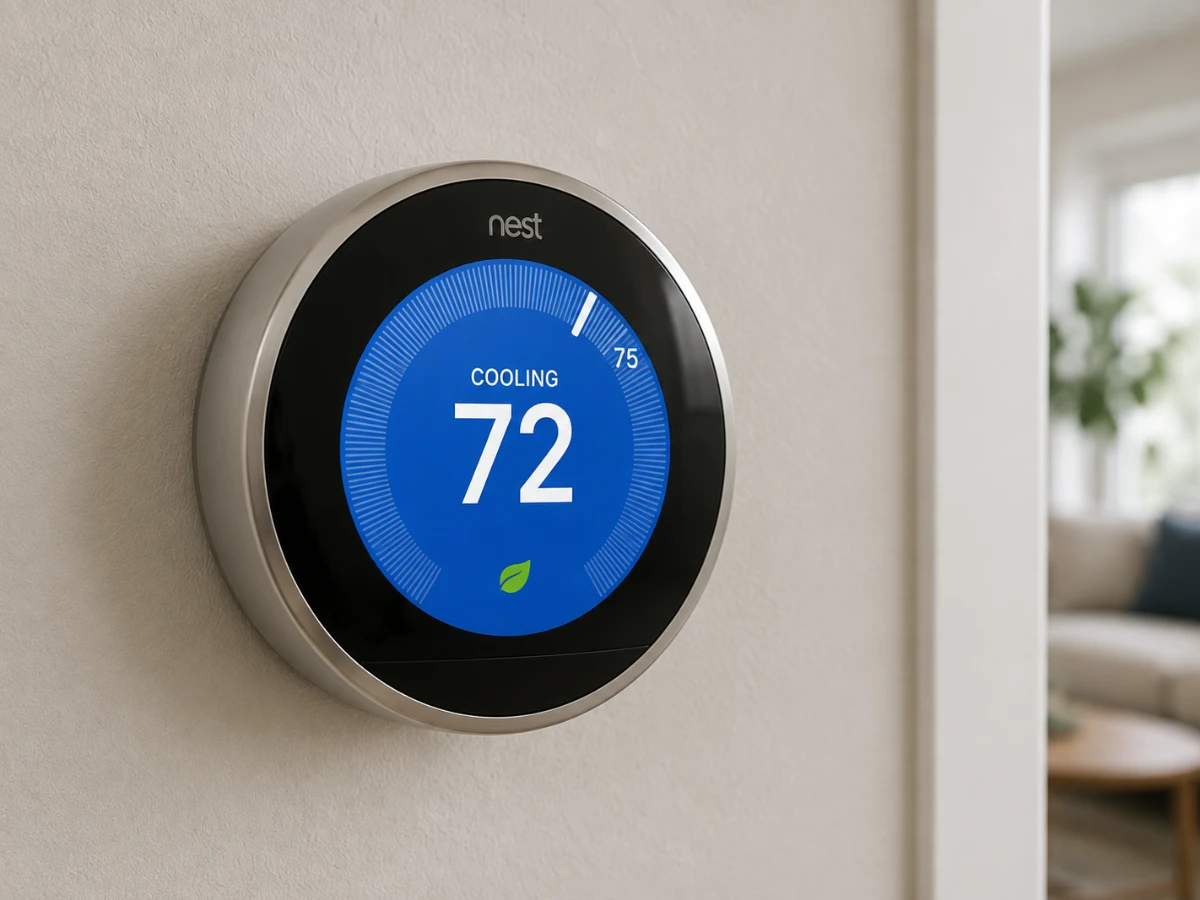
Smart thermostats demand far more energy than legacy heating systems were ever built to provide. A dedicated C-wire solves this power gap in three critical ways:
- Constant Power: It keeps your Wi-Fi, touchscreens, and motion sensors active without draining backup batteries or relying on power-stealing methods.
- System Reliability: It prevents your thermostat from rebooting or failing, which is most likely to happen when the furnace kicks on.
- Stable Connection: It ensures that your device maintains a solid, uninterrupted link to your home network for reliable remote control.
Recognizing a Missing Common Wire
If you've installed a smart thermostat and it isn’t functioning properly, a missing C-wire is likely the problem. Watch for these signs of a missing common wire:
- Frequent Rebooting: The screen goes blank or restarts, often when your furnace or A/C kicks on.
- Constant 'Battery Low' Alerts: You keep getting low battery notifications even after replacing the batteries.
- Wi-Fi Drops: The thermostat constantly disconnects from your home network.
- Erratic Behavior: Your heating or cooling system turns on or off when it shouldn't.
- Cryptic Error Codes: The device shows power-related fault codes during or after installation.
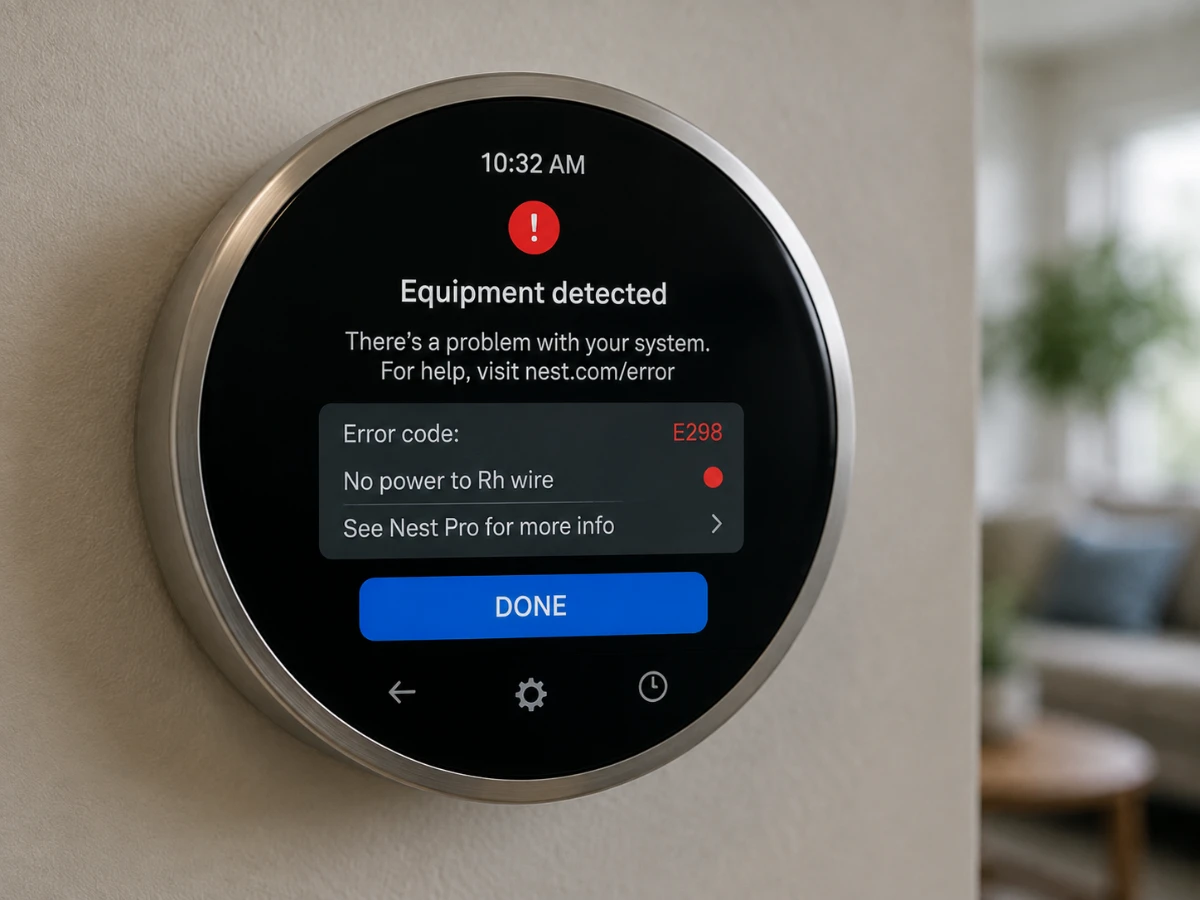
That Battery Low alert is simply the thermostat's way of saying it's starving for electricity. In the middle of a Minnesota winter, that is the last thing you want to deal with.
Finding the C-Wire Inside the Wall
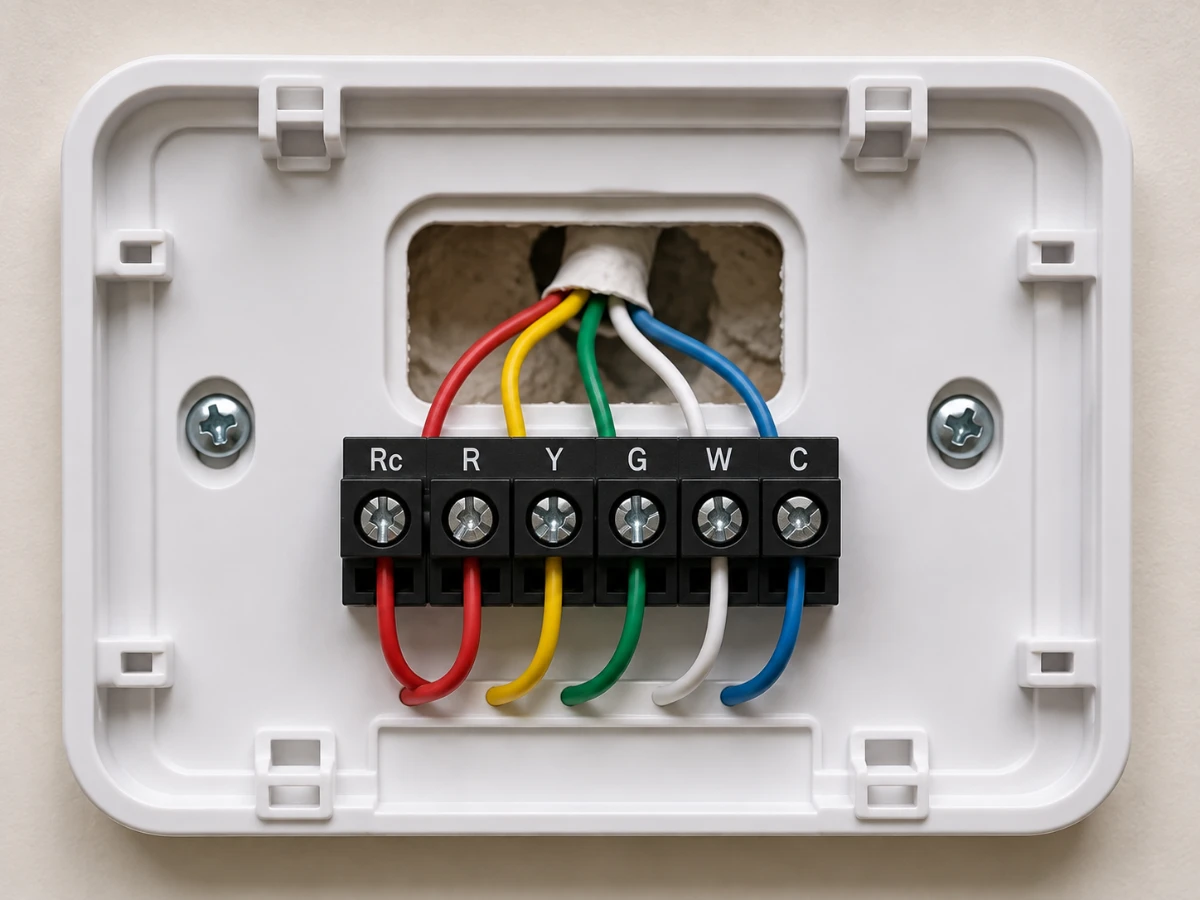
If you are curious about your current setup, removing the thermostat faceplate (gently pulling it off the wall) will reveal a bundle of small-gauge wires. Here is what to look for:
- Terminal Labels: Look closely at the plastic base attached to the wall. You will see small letters embossed next to each screw terminal (like R, W, Y, G, and C).
- Wire Connections: You will likely see individual colored wires tucked under these screws.
- The C-Wire Terminal: If you see a wire connected to the terminal labeled "C," you are likely already set up for a smart thermostat. While the C-wire is most commonly blue, colors can vary, so always check the label rather than relying on the color alone.
- Hidden Wires: Sometimes there is an extra, unused wire pushed back into the wall hole that wasn't connected to the old thermostat. This spare wire is often the key to getting a C-wire installed without needing to pull new cable.
What the C-Wire Is Not
Let’s debunk two common points of confusion about the C-wire.
Not a Neutral Wire
It is a common misconception that the C-wire is the same as the Neutral wire in your home's main electrical system. It is not. The C-wire is strictly for the low-voltage (24V) HVAC control loop. Never attempt to use a standard 120V neutral wire from a wall outlet to power a thermostat. Doing so will cause severe damage to your furnace control board and poses a major fire risk.
Not a Performance Upgrade
A C-wire is about providing the power necessary for control and reliability. It is not a performance upgrade that will make your furnace produce more heat, but it is the critical foundation that ensures your system actually listens to the thermostat when you need it most.
How We Fix Your C-Wire Issues
If you open your wall and don’t see a wire tucked behind the current thermostat, don't panic. You have a few options.
Adding a New C-Wire: The Professional Standard
We always recommend running a new, dedicated C-wire for your thermostat. It’s the most reliable way to make sure your smart system stays powered up all winter long. By giving your thermostat its own path, we stop those annoying power drops and make sure everything runs smoothly without any signal issues. It’s a permanent, clean fix that keeps your furnace running the way it should.
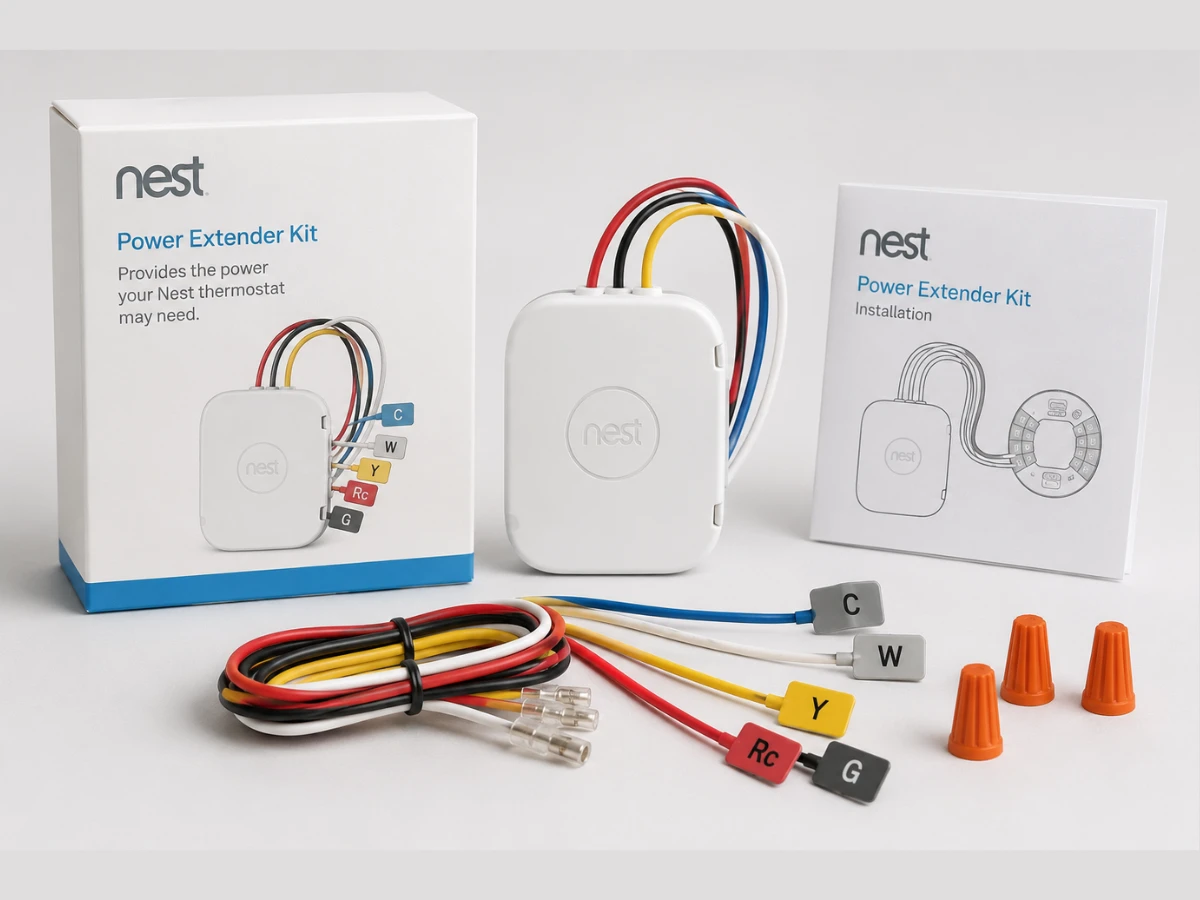
The Power Extender Kit (PEK)
Many smart thermostat manufacturers offer a Power Extender Kit. This little device hooks into your furnace to help your existing wires manage the extra power needed for a smart thermostat. While it’s a handy DIY option, it means opening up your furnace cabinet and adding more parts to the mix. It can get the job done, but it’s not as clean or long-lasting as a dedicated wire.
Why You Need Us for Smart Thermostat C-Wire Installation
When you want the job done right so you can stop worrying about your thermostat and get back to enjoying a warm home, the Loch Monster Electric team is here for you.
- We Put Safety First: We test your system’s voltage to keep your furnace control board safe from any damage.
- We Guarantee Accuracy: We check every connection with a meter to make sure your thermostat talks to your furnace perfectly.
- We Build for the Long Haul: We use professional standards to create a reliable, interference-free setup that will last for years.
- We Provide Peace of Mind: We handle the tricky, low-voltage wiring so you don't have to deal with the headache of DIY repairs.
Boosting Your Home Energy Savings in the Twin Cities
The main reason most homeowners upgrade to a smart thermostat is for home energy savings. Our winters are long, and heating costs can skyrocket if your system is running inefficiently. Properly configured, these systems lower your heat when you're asleep or at work.
If you want to learn more about how we can help get your home ready for the modern age, stop by our smart home wiring services to see how we do things.
Smart Thermostat Safety Steps While You Wait
While you are waiting for a licensed electrician from our team to install the missing C-Wire, keep these safety tips in mind:
- Turn it Off: If your thermostat is rebooting repeatedly, switch the system to OFF at the thermostat display. This helps prevent potential damage to your furnace control board.
- Avoid Breaker Resets: Don't flip the furnace breaker on and off repeatedly, as this can be hard on the system's internal parts.
- Clear the Way: Keep the area around your furnace clear of items so our team can get to work safely when we arrive.
Ready to Stay Warm All Winter Long?
Whether you are dealing with a tricky installation or just want to get your system ready for the winter frost, our team is here to help. If you need professional assistance to ensure your smart home upgrades are done right the first time, visit us at Loch Monster Electric, or call us on 763-292-1191 to schedule an appointment today.
Stay warm, Minnesota!
Frequently Asked Questions
Some smart thermostats use backup batteries, but they cannot rely on them for daily Wi-Fi usage. We recommend a C-wire for constant, reliable power.
Usually it is blue, but colors are a guide, not a guarantee. We always verify with a multimeter to ensure we are connecting to the correct terminal.
Remove the cover of your existing thermostat. If you see a terminal labeled "C," and there is a wire connected to it, you are set.
If a thermostat is constantly rebooting or trying to steal power, it can cause the furnace control board to cycle rapidly, which can lead to premature failure of expensive components.
Don't connect it yourself! We need to verify that the wire is actually connected to the "C" terminal on your furnace control board before we can safely use it.