How to Pick the Right Smart Thermostat for a Minnesota Winter
Updated: Oct 2, 2026
A Minnesota electrician's guide to picking a smart thermostat before winter. Covers furnace and boiler compatibility, cold-snap recovery, humidity sensing, and geofencing limits in outer suburbs, plus wiring tips for Twin Cities homes and when to call a licensed electrician.
If you're shopping for a new thermostat before the first snow arrives, you've got the right idea. Minnesota winters don't mess around, and a smart thermostat can save you real money on heating bills. But not every off-the-shelf model can handle a January cold snap.
Before you buy, it helps to know how to pick the right smart thermostat for the exact furnace or boiler in your basement, not just the one with the fanciest app. Whether you live in Eden Prairie or Woodbury, we'll walk through furnace and boiler compatibility, cold-snap recovery, humidity sensing, and geofencing, so you know what to look for. And when you're ready to get it wired up, your licensed Minnesota and Wisconsin electricians at Loch Monster Electric are here to help.
If you're ready to get it installed, you can give us a call today at 763-292-1191 or reach out to our team by filling the contact form to schedule a visit.
Why Minnesota Winters Change the Rules
In most of the country, a smart thermostat is just a nice-to-have. Up here in Minnesota, it's a real money-saver. Our heating season lasts six months or longer, so every bit of smart scheduling adds up fast. Most homeowners see their heating costs drop by about 10 to 15 percent once a smart thermostat replaces an old manual dial. Over a full winter, that adds up to real savings.
But you only get those savings if the thermostat actually fits your home's current heating system. That's where a lot of homeowners get tripped up.
Know Your Furnace or Boiler Type
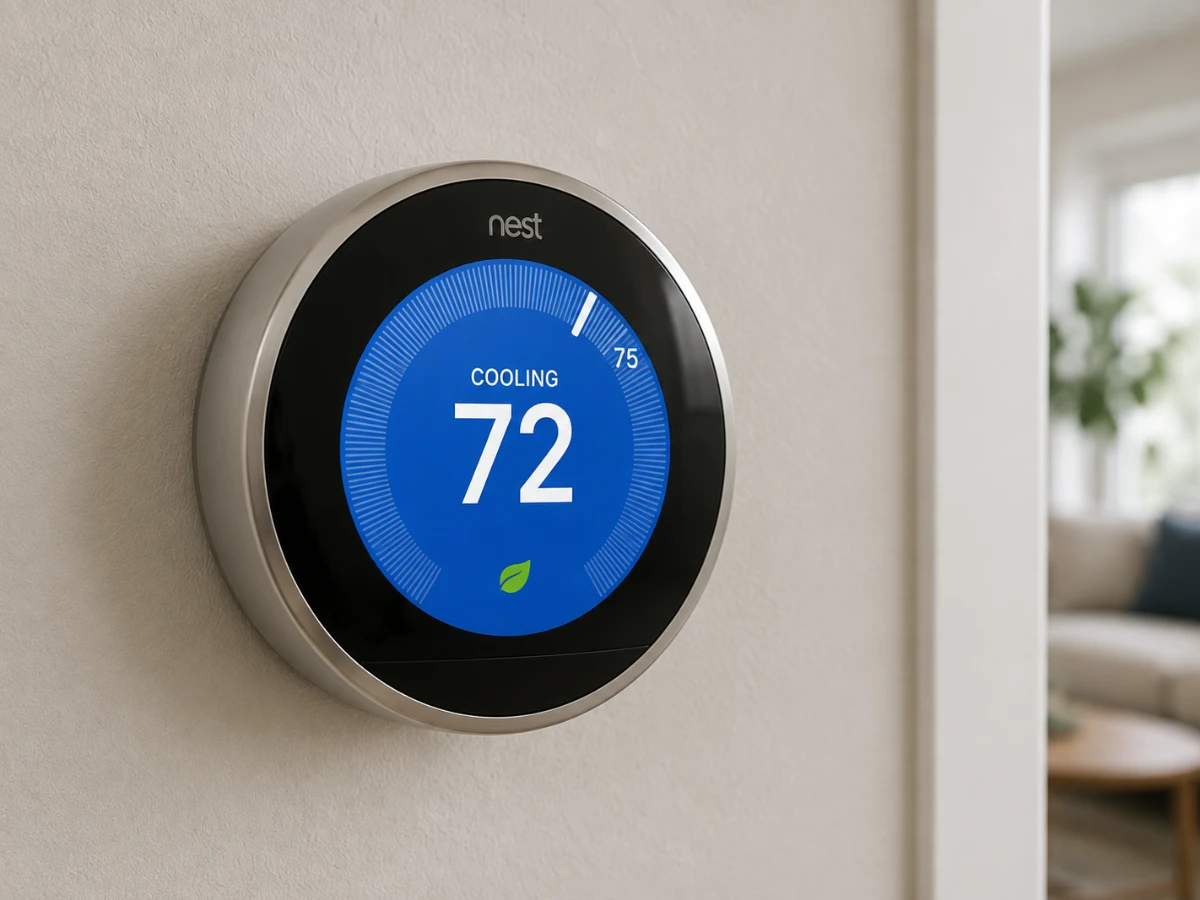
This is the biggest factor in how to choose a smart thermostat. It's also the one a lot of people skip. Here's how compatibility breaks down by furnace type:
Forced-Air Furnaces:
- Single-stage furnace: Almost any smart thermostat will work fine. This is the most common setup in older Twin Cities homes, so most homeowners won't run into compatibility trouble here.
- Two-stage furnace: Needs a thermostat that says it supports two-stage heating. Check the wiring labels before you buy. Skip this check, and your furnace may end up running on high all the time, which is louder and less efficient than it should be.
- Variable-speed furnace: Many use special communication protocols. A standard smart thermostat may only run them in basic single-stage mode, so you paid for variable-speed comfort but aren't getting it.
Always make sure to check your furnace's model number, usually found inside the furnace door, and compare it against the thermostat's compatibility list before you buy.
Boilers and Radiators:
A lot of older Twin Cities homes, especially ones built before 1980, run on hot water boilers instead of forced air. Here's what to know:
- Boilers heat and cool much slower than furnaces, so the thermostat needs software built to handle that delay.
- A thermostat made for a furnace can make a boiler system overshoot, leaving some rooms too hot and others still cold.
- Look for a model that's built for hydronic or boiler systems.
- You'll likely need a power adapter kit too, since many boiler setups only have two wires at the thermostat.
Look for Real Cold-Snap Recovery Logic
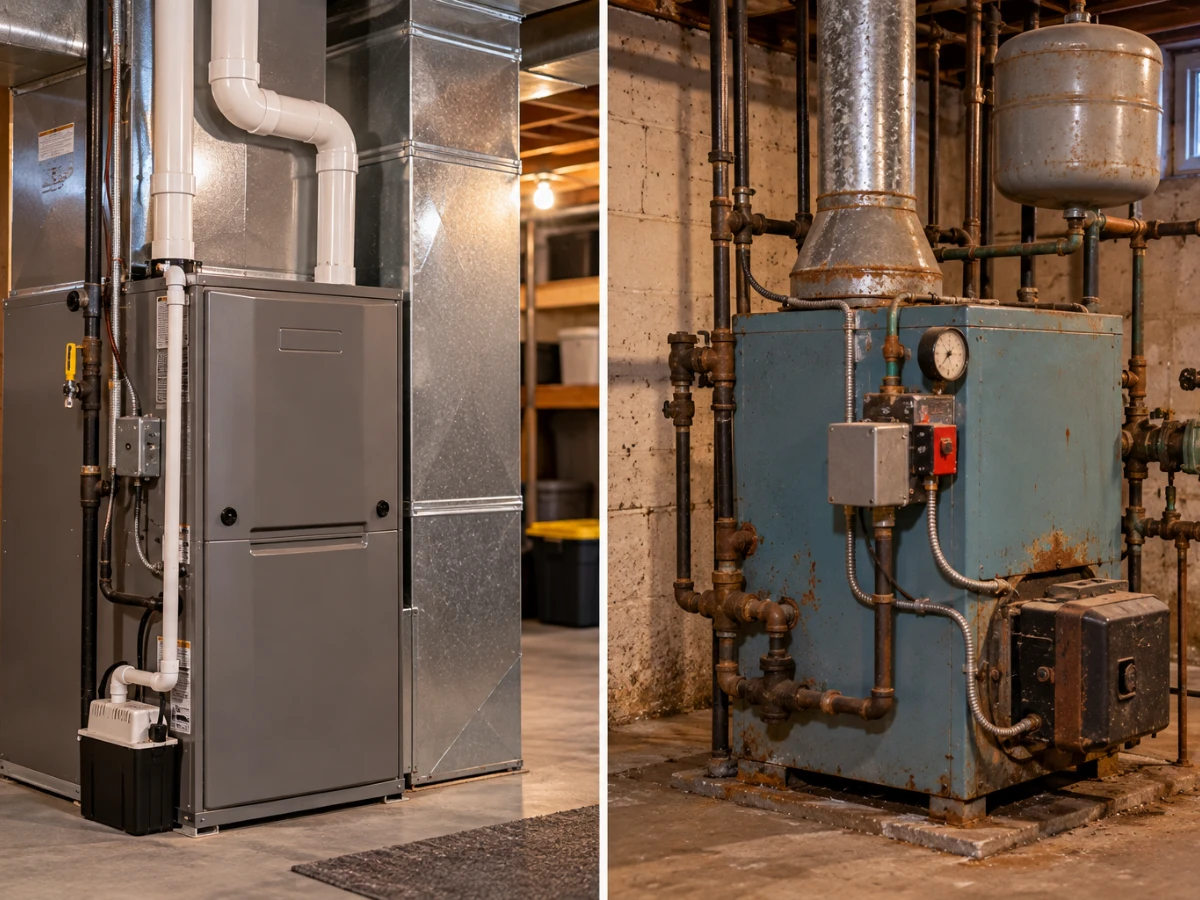
Any thermostat can lower the temperature at night. The real test is what happens when it needs to warm your house back up after a hard freeze. Look for a model with these two features:
- Adaptive recovery: The thermostat can learn how long your furnace or boiler takes to reheat your home. It then starts the process early enough that you wake up warm instead of cold.
- Weather integration: Checks local outdoor forecasts and eases the temperature down gradually before a cold front hits, instead of forcing your system to fight a sudden temperature drop all at once.
That combination can cut down on equipment strain, prevent short-cycling, and save energy during our coldest stretches.
Don't Skip Humidity Sensing
Minnesota winters are dry. Indoor humidity can drop to 15 to 25 percent once your furnace has been running steady for a few weeks, well below the 30 to 50 percent range most homes are comfortable at. That dry air makes a room feel colder than the thermostat actually shows.
A thermostat with built-in humidity sensing lets you track this. You can pair it with a whole-home humidifier if you have one. Keeping humidity in a comfortable range means you can often set your temperature a couple degrees lower and still feel just as warm. That's an easy way to shave a little more off your heating bill.
Geofencing for Energy Saving
Geofencing uses your phone's location to tell the thermostat when you've left home or are on your way back. It then adjusts the temperature on its own to get your home warmed up for your arrival. This works great in denser parts of the metro, like Minneapolis, St. Paul, and Richfield, where cell coverage is strong and consistent.
If geofencing matters to you, look for a thermostat with these features before you buy:
Adjustable geofence radius: Lets you set a wider boundary, so your phone has more time and distance to check in with the thermostat before you arrive.
Multi-user geofencing: Tracks more than one household member's phone, so the system only assumes you're away when everyone's actually gone.
A backup schedule: Some models fall back to your regular schedule automatically if they lose the geofencing signal, instead of leaving your system stuck in ‘Away’ mode.
Geofencing Has Its Limits in the Outer Suburbs
If you live out toward the edges of our service area, in outer suburbs like Maple Grove, Apple Valley, or Woodbury, cell coverage can get spotty in certain pockets due to changing terrain. A weak signal means your phone might not sync up with the thermostat until you're already pulling into the driveway. That means your house never gets a head start warming up.
If you live somewhere with unreliable cell service, don't count on geofencing as your main energy-saving feature. Lean on a solid manual schedule instead, and treat geofencing as a nice bonus, not something to depend on.
Make Sure Your Home Has the Wiring to Support It
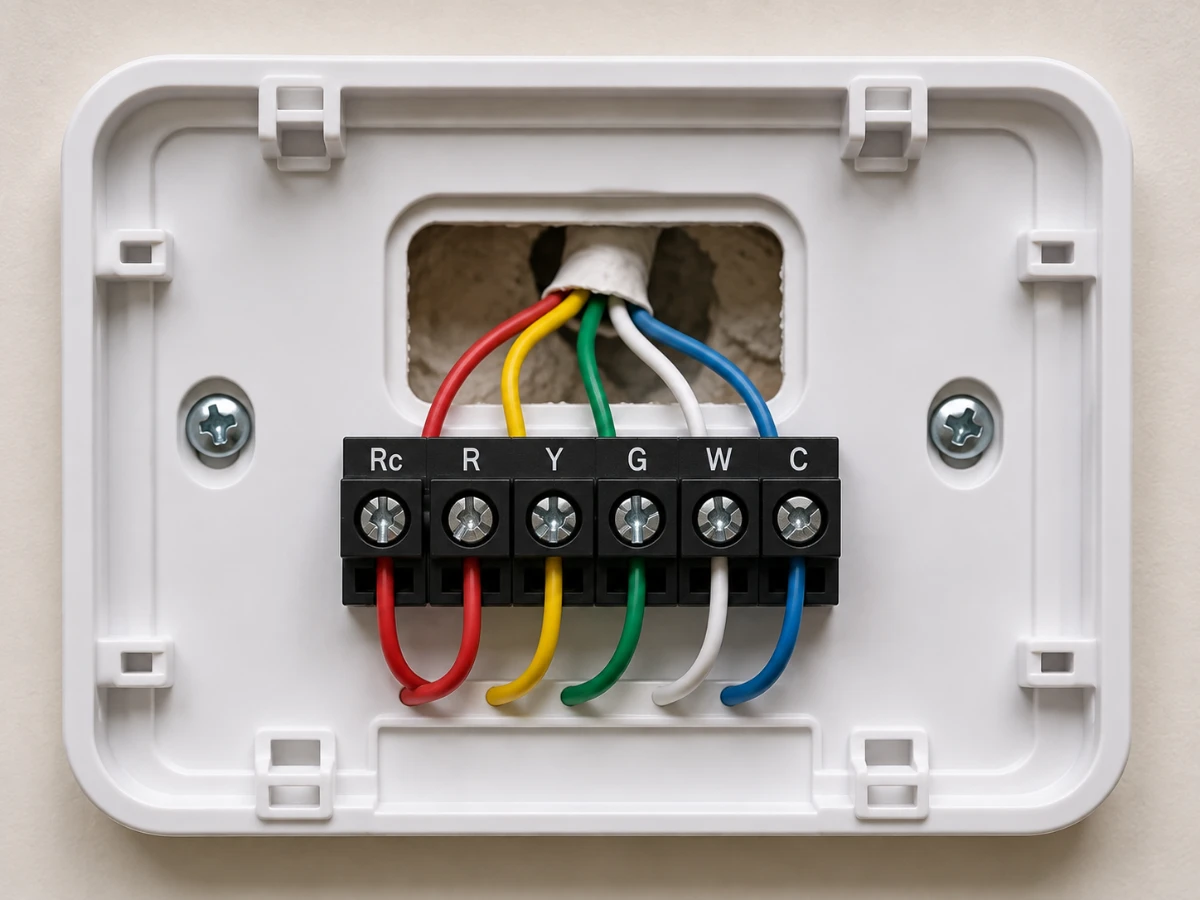
Almost every smart thermostat needs a C-wire. This wire supplies steady power to the Wi-Fi radio and screen. A lot of older Twin Cities homes were never wired with one. Watch for these signs of a missing C-wire after installation:
- The thermostat keeps rebooting or the screen goes blank.
- You get constant Low Battery alerts.
- Wi-Fi keeps dropping.
- The heat turns on or off when it shouldn't.
Our smart thermostat C-wire installation guide will walk you through how to check your existing wiring, what a C-wire actually does, and when it's worth calling a licensed electrician instead of relying on a battery-powered workaround.
Quick Checklist: How to Choose the Right Thermostat for Your Home
Here’s a quick summary of what you need to check when buying a smart thermostat:
- Check your wiring: Look behind your old thermostat for a C-wire (Common wire). If you don't have one, you will need a power adapter kit or a professional electrician to add one.
- Match your system: Make sure the thermostat works with your heating and cooling system. Check the manufacturer's website using your heater's exact model number.
- Look for smart features: Pick a model with adaptive recovery and weather-based scheduling (heats up early based on the weather forecast) and humidity control if your home gets too humid or dry.
- Watch out for bad cell service: Do not rely on geofencing (the app tracking your phone's location) to adjust the temperature if you have weak cell service at home.
- Hire a professional when needed: Pay an expert to install it if you have a boiler, a multi-stage system, or very old wiring.
When It's Time to Call an Electrician
Picking the right thermostat is only half the job. Getting it wired safely is the other half. If you're planning a bigger home remodeling, adding whole-home automation, or want your smart thermostat working alongside other smart devices like switches and dimmers, it's worth looking at the project as a whole instead of one device at a time.
Check our smart home wiring services page to find out how we add dedicated wiring for smart devices in older homes.
Ready to Wire Your Smart Thermostat?
Whether you're dealing with an old boiler, a missing C-wire, or a two-stage furnace, Loch Monster Electric is here to help. Our licensed Minnesota and Wisconsin electricians handle everything from simple thermostat swaps to full smart home wiring projects.
Give us a call today at 763-292-1191 to schedule your visit before the next cold snap hits.
Frequently Asked Questions
Most smart thermostats need one for reliable power. Some come with a power extender kit as a workaround. But a properly wired C-wire works better long-term, especially through a Minnesota winter.
Many will, but you need a model built for hydronic systems, plus a power adapter in most cases. Standard furnace-only thermostats often struggle with a boiler's slower heating response.
Most homeowners save around 10 to 15 percent on heating costs. The biggest gains come from smart scheduling and cold-snap recovery during our longest, coldest stretches.
If you already have a C-wire and a simple single-stage furnace, many homeowners handle it themselves. If you're missing a C-wire, have a boiler, or have older wiring, it's worth having a licensed electrician handle the low-voltage connections safely.